Unity vs Unreal vs Godot vs Blender: A Beginner’s Quick Guide (2026)
Quick summary: Unity, Unreal Engine and Godot are game engines, which means they run your game. Blender is a 3D creation tool, which means it makes the art that goes into your game. Pick Godot for light 2D projects, Unity for mobile and indie games with huge learning support, and Unreal for realistic 3D. Add Blender when you want to make your own models. This guide explains who each tool is for, the basics you need first, and where to learn for free.
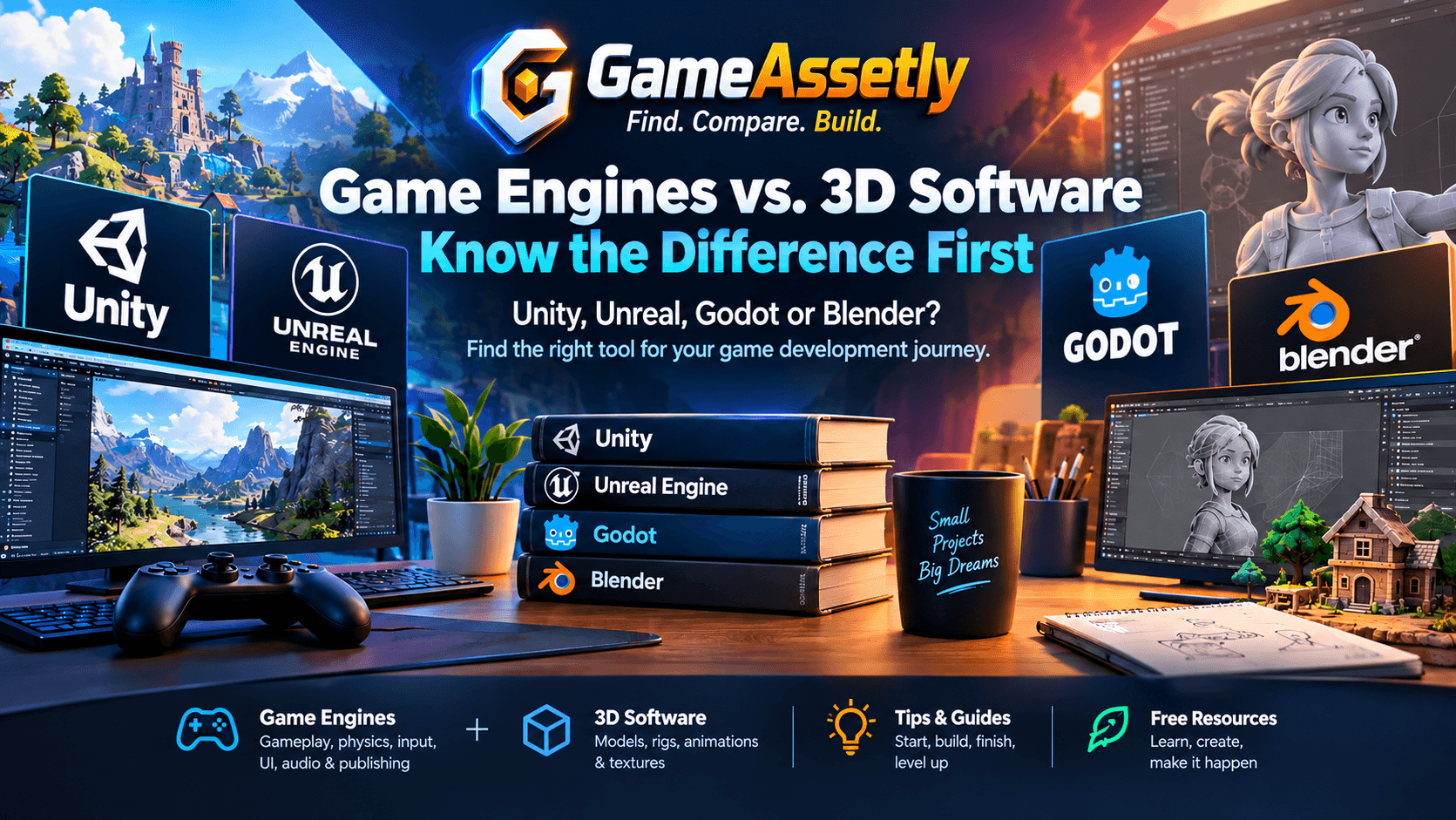
Engine vs. 3D Software: Know the Difference First
Beginners often compare these four tools as if they were direct rivals. They aren’t.
- Game engines (Unity, Unreal, Godot) handle gameplay, physics, input, UI, audio and publishing.
- Blender creates models, rigs, animations and textures that you import into an engine.
Most developers end up using one engine plus Blender, so the real question is which engine to start with.
Unity: The Flexible All-Rounder
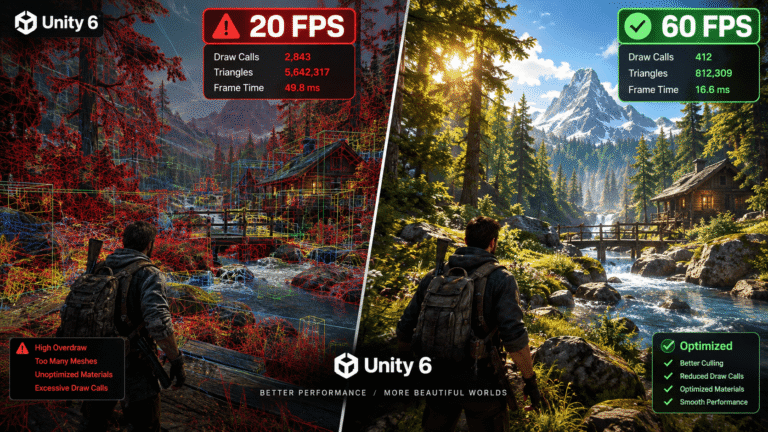
Unity is one of the most popular engines for mobile, 2D, indie and VR/AR games. It uses C#, a readable language with plenty of learning material.
Who it’s for: beginners who want mobile or small-to-mid projects, and anyone who values a big community and a large asset ecosystem.
Good to know: The editor can feel busy at first, and pricing terms have changed in the past, so check Unity’s current license page before you release a commercial game. Browse our Unity assets for starter packs.
Unreal Engine: Realistic 3D Made Accessible
Unreal Engine is known for high-end visuals and strong lighting, landscape and cinematic tools. You can build gameplay with Blueprints (visual scripting, no code needed) or go deeper with C++.
Who it’s for: beginners who dream of realistic 3D, first- and third-person games, or cinematic projects, and who prefer visual scripting to typing code.
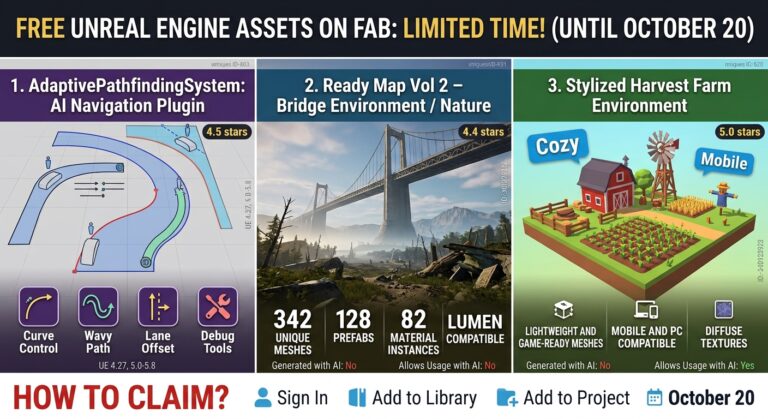
Good to know: It asks for a stronger PC and more storage. Royalty terms apply above a revenue threshold, so check Epic’s current terms. Our Unreal assets and the best Fab assets for Unreal Engine 5 guide are good places to start.
Godot: Lightweight, Open Source and Beginner-Friendly
Godot is a free, open-source engine with a tiny download and a clean scene-and-node structure. Its language, GDScript, feels a lot like Python, and C# is supported too. It shines in 2D, though its 3D has improved a lot in Godot 4.
Who it’s for: beginners with modest hardware, 2D developers, game jam fans, and anyone who wants zero royalties.
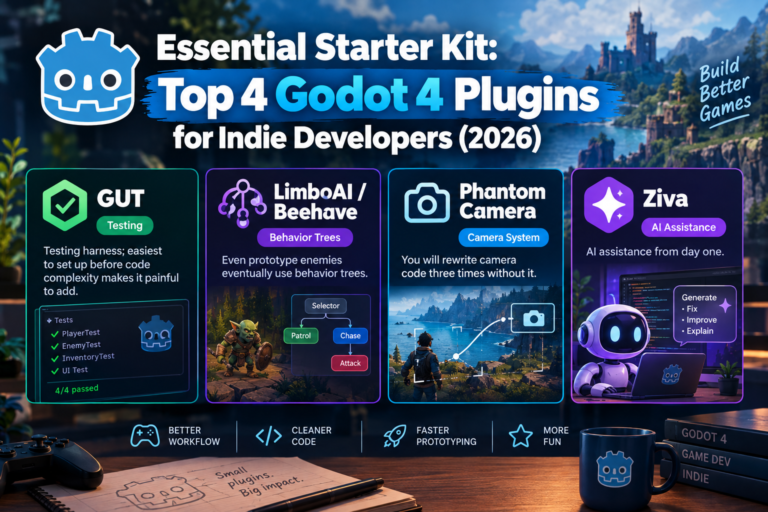
Good to know: Its asset library and job market are smaller than Unity’s or Unreal’s, but growing. See our Godot assets and the essential Godot 4 plugins starter kit.
Blender: Your Free 3D Studio
Blender is a free, open-source suite for modeling, sculpting, rigging, animation and rendering. It exports cleanly to all three engines through formats like glTF/GLB and FBX.
Who it’s for: aspiring 3D artists, solo developers who want custom assets, and anyone curious about how game art is made.
Good to know: The interface has a learning curve. Follow one beginner series from start to finish instead of jumping between tutorials. Not ready to model yet? Our 3D assets let you start building right away.
Quick Comparison
| Tool | Type | Language | Best For | Difficulty |
|---|---|---|---|---|
| Unity | Engine | C# | Mobile, 2D, indie, VR/AR | Medium |
| Unreal Engine | Engine | Blueprints / C++ | Realistic 3D, cinematics | Medium–High |
| Godot | Engine | GDScript / C# | 2D, lightweight projects | Easy–Medium |
| Blender | 3D software | Python (optional) | Models, rigs, animation | Medium |
Which One Should You Start With?
- Want the easiest entry into 2D? Start with Godot.
- Want mobile or indie games with endless tutorials? Choose Unity.
- Want realistic 3D and prefer no-code scripting? Try Unreal Engine.
- Want to make your own characters and props? Learn Blender alongside your engine.
There is no wrong first choice. Scenes, objects, scripts, physics and input work in similar ways across every engine, so what you learn transfers.
Best Free Resources for Beginners
| Tool | Where to Learn |
|---|---|
| Unity | Unity Learn (official free pathways), Unity Documentation, YouTube channels like Brackeys and Code Monkey |
| Unreal Engine | Epic Developer Community learning library, Unreal Engine documentation, YouTube channels like Unreal Sensei |
| Godot | Official Godot Docs (“Your first 2D game” tutorial), GDQuest, Godot forums and Discord |
| Blender | Official Blender Manual, Blender Studio, Blender Guru’s beginner donut tutorial, Grant Abbitt on YouTube |
Core Game Dev Basics Every Beginner Should Know
Whichever tool you pick, you will meet these ideas again and again:
- Scenes and levels: the spaces where your game objects live.
- Game objects, actors and nodes: the building blocks inside a scene.
- Scripts and components: the logic that gives objects behavior.
- Assets: models, textures, sprites, sounds and animations.
- Physics and collisions: how objects move and interact.
- Input and UI: how players control the game and read information.
- Building and exporting: turning your project into a playable game.
Smart Tips for Your First Months
Start tiny. Build Pong, a one-room platformer or a simple runner before anything ambitious.
Finish what you start. One finished small game teaches more than five abandoned big ones.
Use ready-made assets. Good free and paid assets let you focus on learning mechanics instead of spending weeks on art. Our Asset Library is a good place to look.
Join a game jam. Deadlines force you to learn fast and ship something.
Read every license. Always check the terms of an asset before you use it in a commercial project.
Frequently Asked Questions
Is game development hard for beginners?
It takes patience, but free tutorials and modern engines make it more approachable than ever. Start with small projects and add complexity slowly.
Do I need to know how to code first?
Not on day one. Unreal’s Blueprints and Godot’s simple GDScript make the start easier, but basic programming knowledge will help you in the long run.
Can I use Blender with Unity, Unreal and Godot?
Yes. Blender exports to FBX and glTF/GLB, and all three engines can import them.
Which engine is best for 2D games?
Godot and Unity are both popular for 2D. Godot is often seen as the simplest place to begin.
Are these tools really free?
Blender and Godot are free and open source. Unity and Unreal have free ways to start, but commercial terms differ, so review their current licensing before you publish.
Should I learn an engine or Blender first?
Start with an engine. You can use free or premium assets while you learn gameplay, then pick up Blender once you want custom art.
Final Thoughts
You don’t need to master all four tools at once. Pick one engine, build small projects, and add Blender when you’re ready to make your own assets. Progress comes from finishing things, not from choosing the perfect software.
Ready to speed up your first project? Browse the game-ready collections at Gameassetly.com and find assets for Unity, Unreal and Godot. Once your game is taking shape, read our guide on how to optimize 3D assets for mobile games.
We thought this might interest you… Top 10 Game Asset Marketplaces: Which Delivers the Best ROI?