|

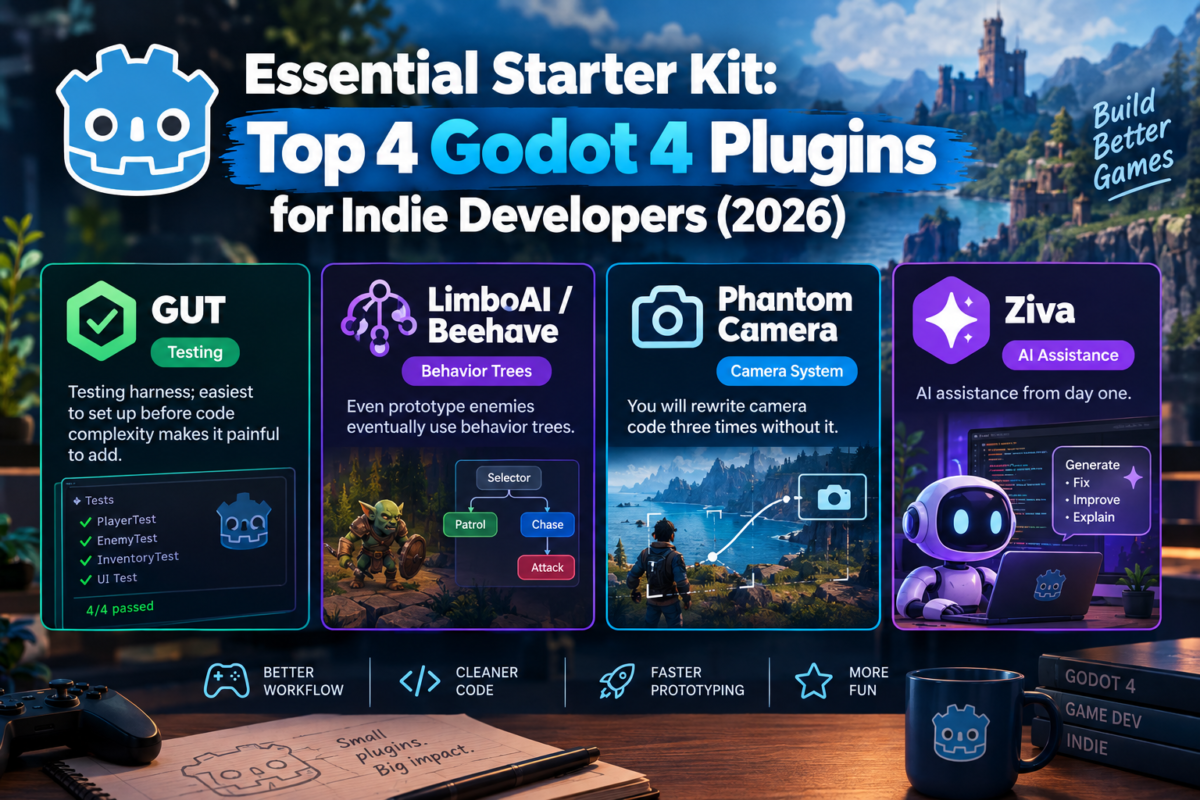
Essential Starter Kit: Top 4 Godot 4 Plugins for Indie Developers (2026)

Gameassetly Quick Verdict

Starting a new Godot 4 project in 2026? Integrating these four core plugins early saves hundreds of hours of refactoring, complex camera math, and broken AI logic. Whether you need unit testing, Cinemachine-style cameras, or behavior trees, this starter kit gives your game a production-ready foundation from day one.

1. GUT (Godot Unit Testing) — Best Test Framework

  • Rating: ⭐⭐⭐⭐⭐ (5.0/5 — 1,900+ GitHub Stars)
  • License: Free / Open Source (MIT)
  • Why Get It: The undisputed standard for unit testing in Godot. It allows you to write test suites directly in GDScript, mock dependencies with doubles/stubs, and automate test runs via CLI for continuous integration (CI/CD) pipelines.
  • Key Features: Directory-organized test suites, code coverage reports, pre-commit hooks, snapshot outputs.
  • Click to go: [ 🧪 Download GUT on Godot AssetLib ]

2. Beehave — Advanced Behavior Tree AI

  • Rating: ⭐⭐⭐⭐⭐ (5.0/5 — 3,300+ GitHub Stars)
  • License: Free / Open Source (MIT)
  • Why Get It: Creates complex NPC behaviors, boss fight mechanics, and adaptive AI setups effortlessly. Using visual behavior tree nodes directly inside your Godot scene tree keeps your AI logic modular and easy to debug.
  • Key Features: Scene-tree node integration, active state visualizer, runtime performance monitors.
  • Comehere: [ 🐝 Download Beehave on Godot AssetLib ]

3. Phantom Camera — Procedural Camera Suite

  • Rating: ⭐⭐⭐⭐⭐ (5.0/5 — 2,300+ GitHub Stars)
  • License: Free / Open Source (MIT — 2D & 3D Compatible)
  • Why Get It: Inspired by Unity’s Cinemachine package, Phantom Camera eliminates the need to write custom camera-follow scripts from scratch.
  • Key Features: Priority-based camera transitions, smooth target tracking, dampening, look-ahead support, and built-in camera shake/framing effects.
  • StartFromHere: [ 🎥 Download Phantom Camera on Godot AssetLib ]

4. Ziva — Live Editor AI Assistant

  • Rating: ⭐⭐⭐⭐☆ (New & Emerging Tool)
  • License: Proprietary (Free Tier Available)
  • Why Get It: Describe game mechanics in plain English and let Ziva interact with your scenes, GDScript files, and live editor to build mechanics, fix runtime bugs, and assist during testing.
  • Key Features: Context-aware code generation, automated debugging, and instant scene setup assistance.
  • LetsTry: [ 🤖 Try Ziva AI Assistant ]

How to Install Godot Addons from AssetLib

1.Open AssetLib:

Click the AssetLib tab located at the top center of the Godot 4 editor.

2.Search for Plugin:

Type the addon name (e.g., Phantom Camera or GUT) into the search bar and click on the result.

3.Download Asset:

In the pop-up modal, click the Download button.

4.Install Files:

Once downloaded, click Install to extract the plugin files into your project’s res://addons/ folder.

5.Enable Plugin:

Go to Project > Project Settings > Plugins tab and check the Enable box next to the installed addon.

Plugin Comparison Overview

Addon NameCategoryLicenseKey BenefitTarget Developer
GUTTesting & QAMIT (Free)GDScript Unit Testing & CI/CDAll Godot Developers
BeehaveAI & Behavior TreeMIT (Free)Adaptive NPC & Boss MechanicsRPG & Action Devs
Phantom CameraCamera ControlMIT (Free)Cinemachine-like 2D/3D ControlAll Game Creators
ZivaAI AssistantFree TierNatural Language PrototypingBeginners & Solo Devs

Similar Posts

One Comment

Leave a Reply

Your email address will not be published. Required fields are marked *