
MCP for Unity
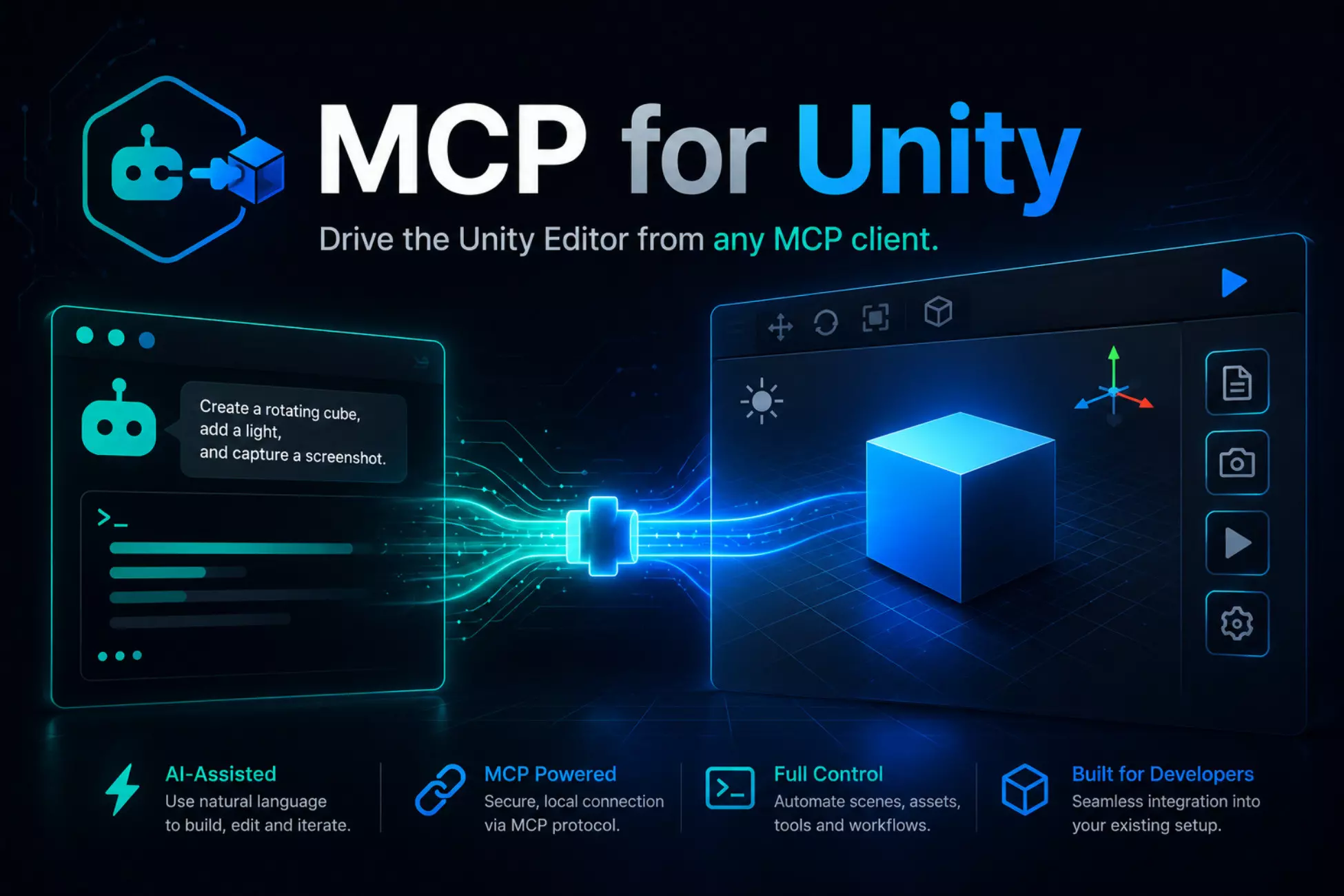
MCP for Unity
MCP for Unity
ENGINE
Unity
PRICE
$
9.99
SUPPORTED ENGINE VERSIONS
Unity 6 (6000.0)
BEST FOR
Unity developers who already use an AI coding assistant and want it to act directly inside the Editor to automate repetitive tasks, scene setup and testing.
NOT FOR
Teams uncomfortable letting an AI tool modify project files, projects without version control, and anyone who wants a polished all-in-one AI assistant, since Coplay's premium product is separate.
HIGHLIGHTS
- ✓Bridges AI assistants to the Unity Editor through the Model Context Protocol
- ✓Tools to manage assets, scenes, materials and scripts, read the console and run tests
- ✓Unity 2021.3 LTS or newer; supports multiple Unity Editor instances
- ✓MIT license, sponsored and maintained by Coplay; installable from the Asset Store, OpenUPM or Git
- ✓Frequent releases listed in the README, plus a Discord community
- ✓Lets an AI tool modify your project, so version control is strongly advised
GameAssetly Verdict
MCP for Unity connects AI assistants such as Claude, Cursor and VS Code agents to the Unity Editor through the Model Context Protocol. A bridge package runs inside the Editor and a local Python server talks to your MCP client, letting the assistant manage assets, scenes, materials and scripts, read the console, run tests and automate editor tasks. The project is MIT licensed, requires Unity 2021.3 LTS or newer, supports multiple Editor instances, and is sponsored and maintained by Coplay, which also sells a separate premium assistant. The README lists frequent releases (version 9.4.8 at the time we checked) and a Discord for help, and the project's GitHub listing shows a very large following. Because it lets an AI tool change your project, use version control and review what the assistant does. Check the repository for the current version before installing, and note that the Asset Store listing, OpenUPM and Git install routes are all offered.